Design tool profile
Canva
A design platform with built-in AI (Magic Studio: image and video generation, background remover, magic write) wrapped around templates, brand kits, and collaboration.
- Best for
- Creators who want thumbnails, social graphics, and light video editing in one place with AI assists — no separate design tool needed.
- Starting point
- Free US$0 (up to 200 Standard / 20 Premium AI uses per month).
- Free plan
- Yes — Free plan (US$0): 1.6M+ templates, 4.7M+ stock photos, videos, and audio, one Brand Kit with...
- Key limitation
- AI usage is metered per plan (200-4,000 Standard uses/month) and resets monthly.
Choose it if
Creators who want thumbnails, social graphics, and light video editing in one place with AI assists — no separate design tool needed.
Avoid it if
- AI usage is metered per plan (200-4,000 Standard uses/month) and resets monthly.
- Pro is single-user; teams must upgrade to Business.
- Extra AI needs paid add-ons (AI Pass / AI top-ups).
Free-plan suitability
Free plan (US$0): 1.6M+ templates, 4.7M+ stock photos, videos, and audio, one Brand Kit with three colors, 5GB cloud storage, and up to 200 Standard or 20 Premium AI uses per month.
Where it fits
Creators who want thumbnails, social graphics, and light video editing in one place with AI assists — no separate design tool needed.
Pricing note
- Starting point
- Free US$0 (up to 200 Standard / 20 Premium AI uses per month).
- Free plan
- Yes — Free plan (US$0): 1.6M+ templates, 4.7M+ stock photos, videos, and audio, one Brand Kit with...
Free US$0 (up to 200 Standard / 20 Premium AI uses per month). Pro US$180/year per person (up to 2,000 Standard / 200 Premium / 20 Ultra AI uses). Business US$250/year per person (4,000 / 400 / 40; includes Leonardo.Ai access). Enterprise custom. AI Pass add-on and AI top-ups available at extra cost.
Verify the current plan, credits, output limits, and commercial terms before purchasing.
Is it legit?
Who is behind Canva, where it is based, and what is publicly known about its funding. Company details change — verify on the official site before committing.
- Company
- Canva Pty Ltd
- Founded
- 2013
- Headquarters
- Sydney, Australia
- Funding
- Venture-backed; 260M+ monthly active users per company announcements
Free plan details
Free plan (US$0): 1.6M+ templates, 4.7M+ stock photos, videos, and audio, one Brand Kit with three colors, 5GB cloud storage, and up to 200 Standard or 20 Premium AI uses per month.
Trade-offs to check
- AI usage is metered per plan (200-4,000 Standard uses/month) and resets monthly.
- Pro is single-user; teams must upgrade to Business.
- Extra AI needs paid add-ons (AI Pass / AI top-ups).
- Free plan has a narrower template/asset set.
What Canva does
- Browser-based visual suite for social posts, presentations, videos, websites, docs, sheets, whiteboards, and print designs, with a drag-and-drop editor covering 1,000+ design types
- Canva AI 2.0: AI assistant, Magic Write, AI image/video generation, Magic Layers, Magic Resize, Magic Animate, Magic Eraser, and AI photo editing
- 1.6M+ templates and 4.7M+ stock photos, videos, graphics, and audio on the free plan; 141M+ premium assets on paid plans
- Brand management: Brand Kits (1 kit with 3 colors on Free, 5 on Pro, 100 on Business, 1,000 on Enterprise), brand controls, and approvals
- Video and audio tools: video editor, AI video generator, text-to-speech voiceover, AI voice and music generators, background remover, and image upscaler
- Collaboration and publishing: team features, social content scheduling, ad insights with AI ad creation, print shop, and access to Affinity (with AI) on paid plans
- Canva Offline for designing offline; AI Pass add-on (extra cost) available for Pro/Business; 5GB cloud storage (Free), 100GB (Pro), 500GB (Business)
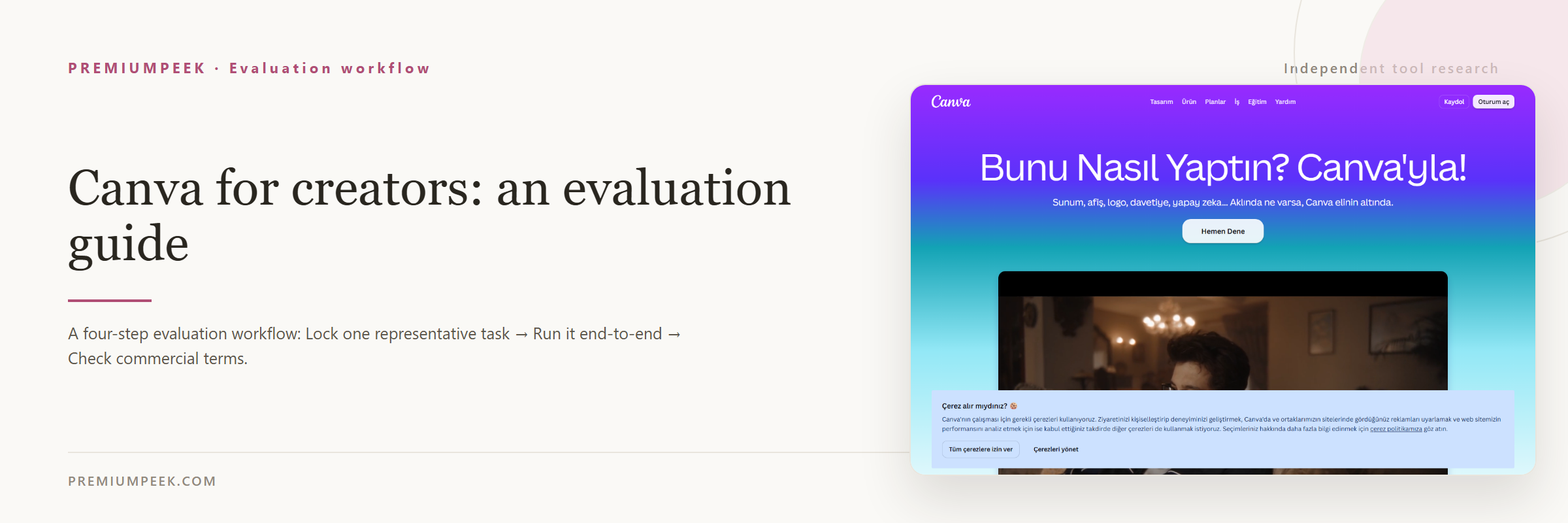
Evaluation guide
Step-by-step evaluation guides for Canva — workflow fit, pricing, rights, and a same-input test before paying.
Compare Canva with alternatives
Side-by-side pages that weigh Canva against overlapping tools on the same five fields.
Where Canva appears
Best-of lists and roundups that include Canva.
Official sources
These links are retained beside the catalog record so changing details can be rechecked.