Video tool profile
Topaz Video AI
Desktop AI software for upscaling, enhancing, and restoring video — resolution upscaling, frame interpolation, denoising, and deinterlacing.
- Best for
- Editors and archivists who need high-quality upscaling and restoration of existing footage rather than generation.
- Starting point
- Topaz Video (formerly Video AI) Personal $59/month, or $39/month on an annual contract; Pro license $699/year.
- Free plan
- No free tier
- Key limitation
- Not a generative text-to-video tool — it enhances and upscales existing footage.
Choose it if
Editors and archivists who need high-quality upscaling and restoration of existing footage rather than generation.
Avoid it if
- Not a generative text-to-video tool — it enhances and upscales existing footage.
- Cloud video credits are limited per plan and expire monthly without rollover.
- Commercial use on these plans is limited to organizations under $1M USD annual revenue per the official page.
Free-plan suitability
No documented free plan — check the current plan page for trial options.
Where it fits
Editors and archivists who need high-quality upscaling and restoration of existing footage rather than generation.
Pricing note
- Starting point
- Topaz Video (formerly Video AI) Personal $59/month, or $39/month on an annual contract; Pro license $699/year.
- Free plan
- No free tier
Topaz Video (formerly Video AI) Personal $59/month, or $39/month on an annual contract; Pro license $699/year. Topaz Studio bundle from $34/month billed annually. Check the official pricing page for current licensing terms.
Verify the current plan, credits, output limits, and commercial terms before purchasing.
Estimate your video costIs it legit?
Who is behind Topaz Video AI, where it is based, and what is publicly known about its funding. Company details change — verify on the official site before committing.
- Company
- Topaz Labs
- Founded
- 2005
- Headquarters
- Dallas, TX, USA
- Funding
- Private company
Trade-offs to check
- Not a generative text-to-video tool — it enhances and upscales existing footage.
- Cloud video credits are limited per plan and expire monthly without rollover.
- Commercial use on these plans is limited to organizations under $1M USD annual revenue per the official page.
- Desktop software; long renders need a capable GPU.
What Topaz Video AI does
- Professional AI-powered video enhancement software for Mac and Windows: denoise low-light footage, recover and upscale old archival videos to 4K, restore focus, deinterlace, stabilize, and create smooth slow motion via frame interpolation
- 15+ video models: Starlight Precise, Proteus, Iris, Nyx, Rhea, Rhea XL, Artemis, Gaia, Theia, Apollo, Chronos, Aion, Themis, SDR to HDR, and Stabilization; cloud access to Starlight Mini/Sharp/HQ/Fast
- Unlimited local rendering; Personal plan includes 25 monthly video cloud credits (credits expire at month end and do not roll over)
- Pricing per JSON-LD on the official page: Topaz Video Personal $59/mo, or $39/mo billed monthly on annual ($299/year); Pro $74/mo billed monthly on annual ($699/year)
- Also bundled in Topaz Studio ($34/mo or $399 billed annually) which includes every Topaz app plus 300 monthly video cloud credits
- Trusted by major film studios and creative pros; personal and commercial use for organizations under $1M USD annual revenue
Evaluation guide
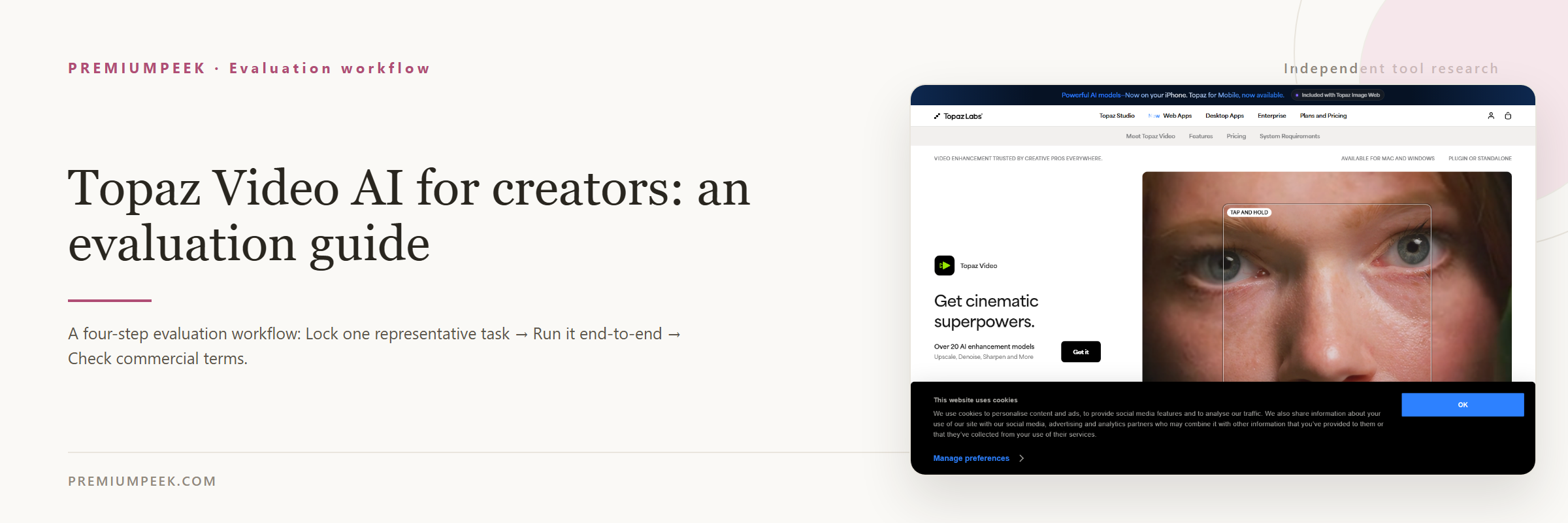
Step-by-step evaluation guides for Topaz Video AI — workflow fit, pricing, rights, and a same-input test before paying.
Compare Topaz Video AI with alternatives
Side-by-side pages that weigh Topaz Video AI against overlapping tools on the same five fields.
Where Topaz Video AI appears
Best-of lists and roundups that include Topaz Video AI.
Official sources
These links are retained beside the catalog record so changing details can be rechecked.