Editing tool profile
DaVinci Resolve
DaVinci Resolve is Blackmagic Design's all-in-one post-production application that combines editing, color correction, visual effects, motion graphics, and Fairlight audio post-production in a single tool, with a free version and a paid Studio edition. Its DaVinci AI Neural Engine powers features such as facial recognition, object detection, smart reframing, speed warp retiming, super scale, Magic Mask, and the IntelliTrack point tracker.
- Best for
- Editors, colorists, and post-production professionals who want a complete, free-to-start editing suite with Hollywood-grade color tools and AI-assisted workflows.
- Starting point
- DaVinci Resolve is free to download and use, and the free version includes multi-user collaboration and...
- Free plan
- Yes — DaVinci Resolve (non-Studio) is free to download and use, including the full editing, color...
- Key limitation
- Free version supports 8-bit formats at up to 60fps in resolutions up to Ultra HD 3840x2160; Studio adds 10-bit video up to 120fps and resolutions beyond 4K
Choose it if
Editors, colorists, and post-production professionals who want a complete, free-to-start editing suite with Hollywood-grade color tools and AI-assisted workflows.
Avoid it if
- Free version supports 8-bit formats at up to 60fps in resolutions up to Ultra HD 3840x2160; Studio adds 10-bit video up to 120fps and resolutions beyond 4K
- The DaVinci Neural Engine, Magic Mask, IntelliTrack, text based editing, and dozens of additional Resolve FX are Studio-only features
- Dolby Atmos, multiple GPU support, and the remote scripting API are Studio-only
Free-plan suitability
DaVinci Resolve (non-Studio) is free to download and use, including the full editing, color, Fusion, and Fairlight toolset; DaVinci Resolve Studio is a one-time paid upgrade (US$295) adding advanced features (both confirmed on official Blackmagic Design product pages, ).
Where it fits
Editors, colorists, and post-production professionals who want a complete, free-to-start editing suite with Hollywood-grade color tools and AI-assisted workflows.
Pricing note
- Starting point
- DaVinci Resolve is free to download and use, and the free version includes multi-user collaboration and...
- Free plan
- Yes — DaVinci Resolve (non-Studio) is free to download and use, including the full editing, color...
DaVinci Resolve is free to download and use, and the free version includes multi-user collaboration and HDR grading. DaVinci Resolve Studio is a one-time purchase of US$295 (per blackmagicdesign.com), adding the DaVinci AI Neural Engine, Magic Mask, text based editing, temporal and AI spatial noise reduction, additional Resolve FX, stereoscopic tools, 10-bit video up to 120 frames per second, and resolutions beyond 4K. No subscription required.
Verify the current plan, credits, output limits, and commercial terms before purchasing.
Estimate your creator costIs it legit?
Who is behind DaVinci Resolve, where it is based, and what is publicly known about its funding. Company details change — verify on the official site before committing.
- Company
- Blackmagic Design Pty Ltd
- Founded
- 2001
- Headquarters
- South Melbourne, Victoria, Australia
Free plan details
DaVinci Resolve (non-Studio) is free to download and use, including the full editing, color, Fusion, and Fairlight toolset; DaVinci Resolve Studio is a one-time paid upgrade (US$295) adding advanced features (both confirmed on official Blackmagic Design product pages, ).
Trade-offs to check
- Free version supports 8-bit formats at up to 60fps in resolutions up to Ultra HD 3840x2160; Studio adds 10-bit video up to 120fps and resolutions beyond 4K
- The DaVinci Neural Engine, Magic Mask, IntelliTrack, text based editing, and dozens of additional Resolve FX are Studio-only features
- Dolby Atmos, multiple GPU support, and the remote scripting API are Studio-only
- Hardware control panels (editor keyboard, color panels, audio consoles) are sold separately
What DaVinci Resolve does
- Professional post-production suite combining editing, color correction, visual effects, motion graphics, audio post production, and (in v21) photo editing in one application
- Cut and Edit pages for fast turnaround and timeline-based editing; Hollywood-standard color tools with 32-bit float processing, patented YRGB color science, and wide-gamut HDR workflows
- Fusion page for visual effects and motion graphics (incl. Krokodove toolset with 70+ graphics in v21); Fairlight page for industry-leading audio processing
- DaVinci Resolve 21 adds a Photo page for stills, 100+ new motion graphics effects, 50 new features, and AI tools including IntelliSearch, CineFocus focal-point adjustment, and facial refinement
- Multi-user collaboration: real-time local and remote shared timelines, clip and bin locking, built-in chat, and Blackmagic Cloud project hosting from anywhere
- Works with camera-original quality throughout the process; the same tools used by Hollywood professionals on feature films and TV
Evaluation guide
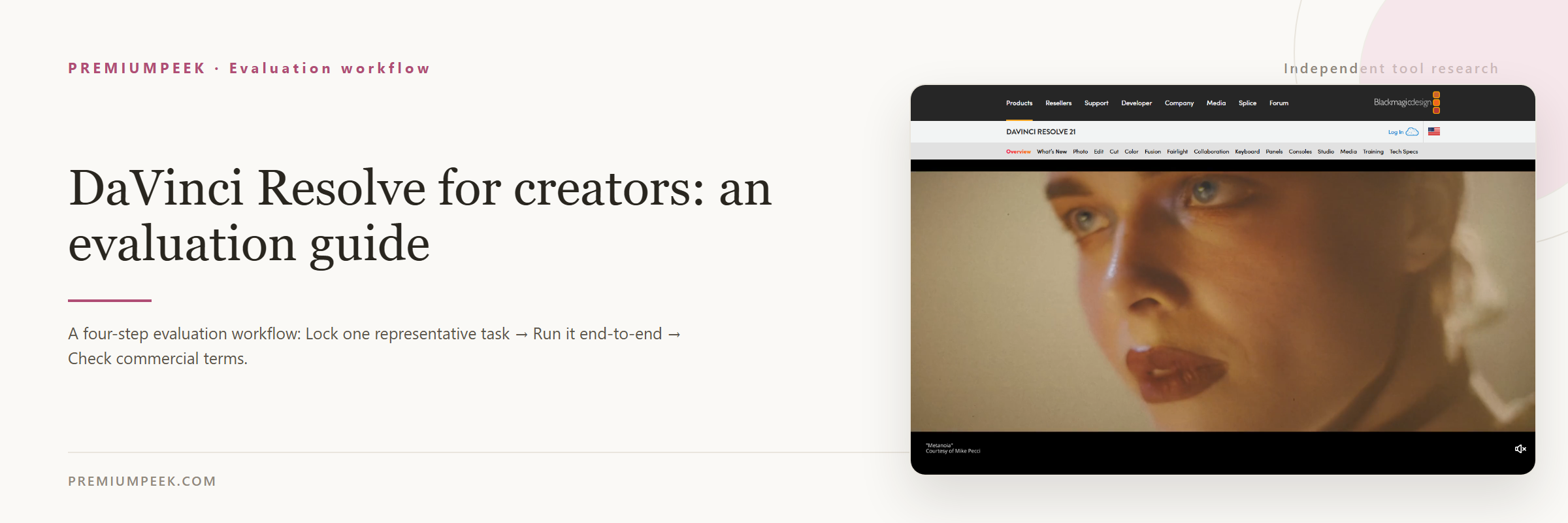
Step-by-step evaluation guides for DaVinci Resolve — workflow fit, pricing, rights, and a same-input test before paying.
Compare DaVinci Resolve with alternatives
Side-by-side pages that weigh DaVinci Resolve against overlapping tools on the same five fields.
Where DaVinci Resolve appears
Best-of lists and roundups that include DaVinci Resolve.
Official sources
These links are retained beside the catalog record so changing details can be rechecked.