Category hub
AI video editing tools
Editors that use AI to speed up cutting, captions, and assembly: timeline vs transcript editing, free tiers, and export limits.
Tools in this category
Starting points from the current catalog — not paid rankings. Open each profile for sources and limitations.
Creators who want a fast, template-driven editor with strong Shorts/TikTok defaults and a free starting tier.
Editors, colorists, and post-production professionals who want a complete, free-to-start editing suite with Hollywood-grade color tools and AI-assisted workflows.
Creators and podcasters who want to edit spoken video and audio by text, with built-in AI cleanup (Studio Sound, filler removal), clip export, and an AI co-editor — without leaving the timeline.
Creators and teams who want a fast browser editor with excellent auto-captions plus AI extras, without desktop software.
Comparisons
Side-by-side pages where these tools overlap.
Evaluation guides
Official sources, decision-oriented guides for tools in this category.
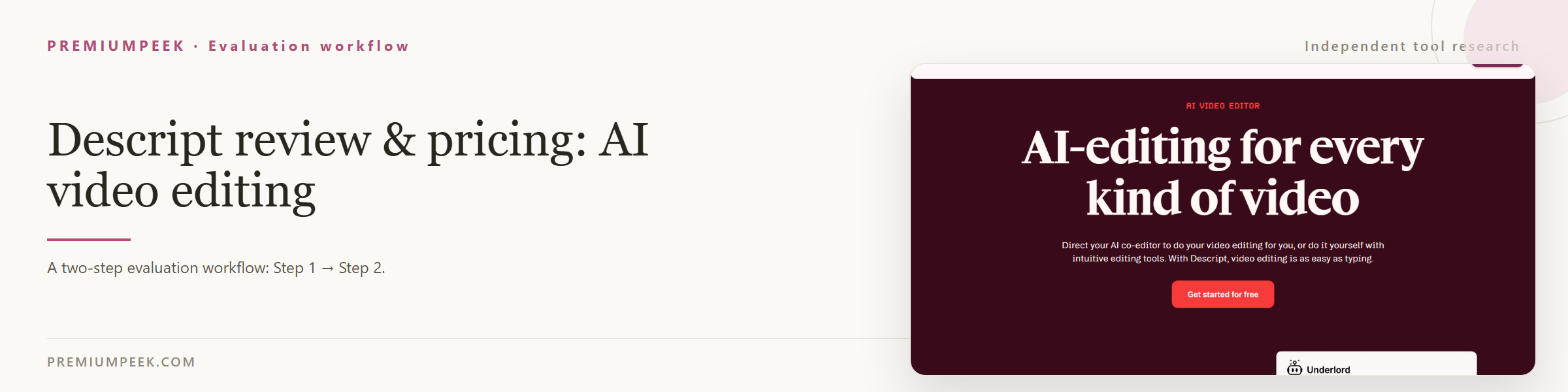 Descript review & pricing: AI video editingDescript pricing and review: Free plan, Hobbyist $16/mo, Creator $24/mo annual — transcript-based editing for podcast clips and talking-head videos.
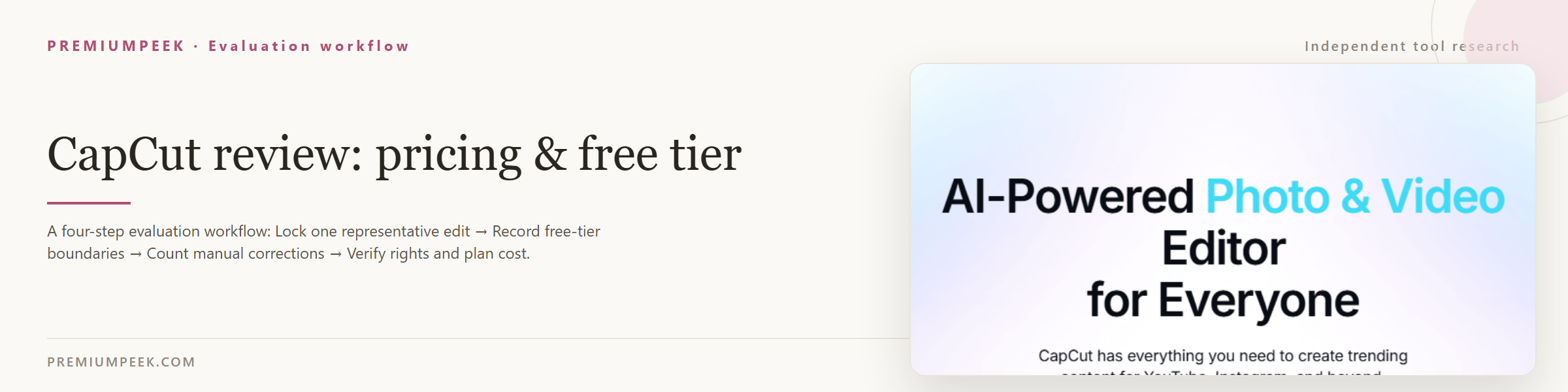 CapCut review: pricing & free tierAn independent CapCut guide for YouTube creators: free tier boundaries, Pro pricing, export checks, commercial-use terms, and a repeatable edit test.
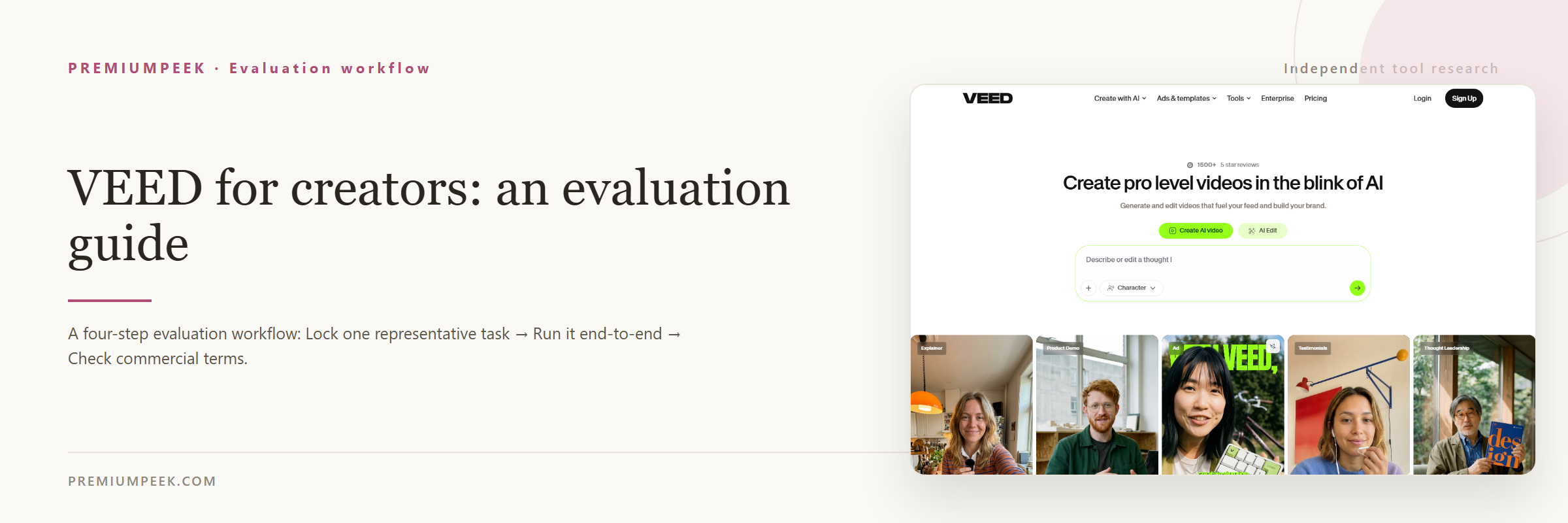 VEED.IO Review: Video Editor Pricing & LimitsVEED.IO review for creators: auto-captions, $12/mo Lite and $24 Pro plans, 720p free export watermarks, AI avatars, subtitle translation, and workflow fit.
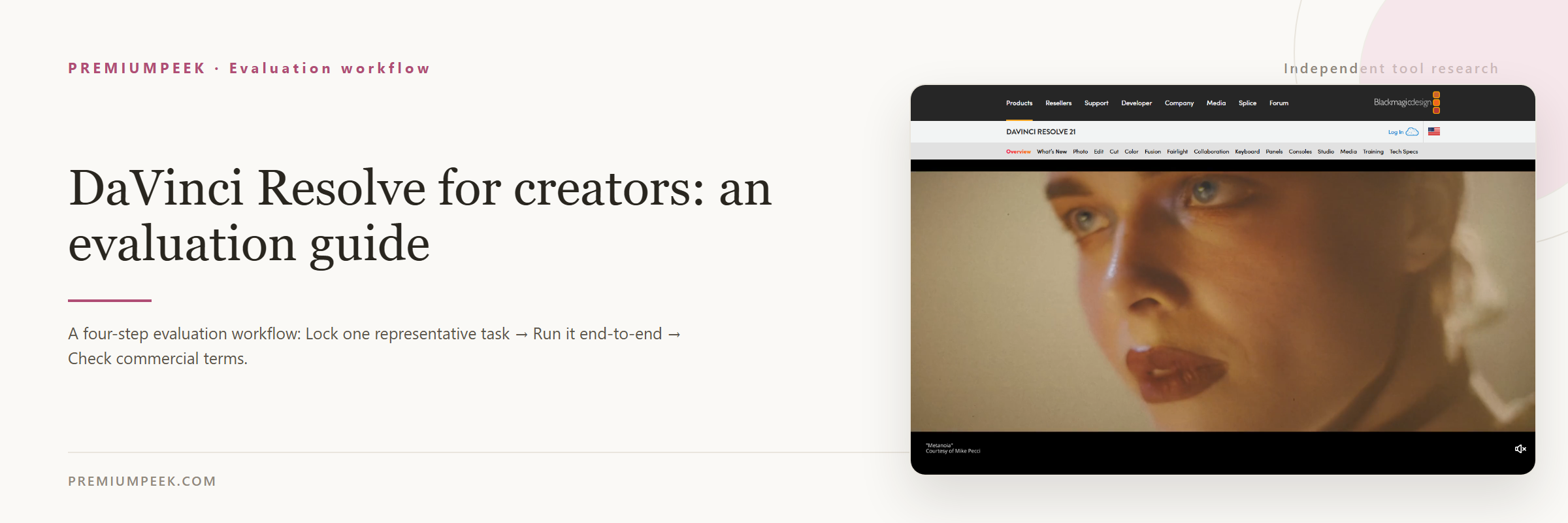 DaVinci Resolve for creators: an evaluation guideAn independent DaVinci Resolve guide for creators: what it is for, pricing and free tier as checked, limitations, and a repeatable test before paying.
Workflows that use these tools
Job-first workflow guides that reference tools from this category.
Other categories
Keep comparing across the creator stack.