Editing tool profile
Descript
An AI-first video and podcast editor where you edit spoken content by editing text transcripts. Includes screen recording, transcription, Studio Sound, filler-word removal, clip creation, AI speech with custom voice clones, Underlord AI video co-editor, publishing, and team workflows. Free plan: 60 media minutes per month; paid plans from $16/month (Hobbyist, annual).
Independent research from official sources · Sources · How we review
Some links are affiliate links. We may earn a commission if you buy through them. Payment never changes our rankings or editorial verdicts.
Pricing detailsCompare the shortlist- Best for
- Creators and podcasters who want to edit spoken video and audio by text, with built-in AI cleanup (Studio Sound, filler removal), clip export, and an AI co-editor — without leaving the timeline.
- Starting point
- Free plan (60 media minutes/month, 100 one-time AI credits, watermarked 720p exports).
- Free plan
- Yes — Free plan at $0 (per descript.com/pricing): 60 media minutes (1 hour) per month.
- Key limitation
- Export resolution, media hours, and AI feature access depend on the selected plan (Free 60 min/mo; Hobbyist 10 hr/mo; Creator 30 hr/mo; Business 40 hr/mo).
Choose it if
Strongest for
Built for
Avoid it if
- It is transcript-first editing: non-spoken content like animation or motion graphics is not its strength.
- Higher tiers (Creator/Business) add 4K export, top-ups, and team scaling — verify current plan boundaries on descript.com.
Free-plan suitability
Free plan at $0 (per descript.com/pricing): 60 media minutes (1 hour) per month, unlimited projects, 25-language transcription, dynamic captions, and access to AI tools; paid plans start at Hobbyist $16/month billed annually ($24 monthly) with 10 media hours, 400 AI credits, and watermark-free 1080p exports.
Pricing
Free plan (60 media minutes/month, 100 one-time AI credits, watermarked 720p exports). Hobbyist $24/month or $16/month billed yearly (10 media hours, 400 AI credits); Creator $35/month or $24/month yearly (30 hours, 800 credits, 4K exports); Business $65/month or $50/month yearly (40 hours, 1,500 credits); Enterprise custom.
Verify the current plan, credits, output limits, and commercial terms before purchasing.
Some links are affiliate links. We may earn a commission if you buy through them. Payment never changes our rankings or editorial verdicts.
What Descript does
- Text-based video editing: edit video and multitrack audio as easily as editing a document; also podcasting and screen recording tools
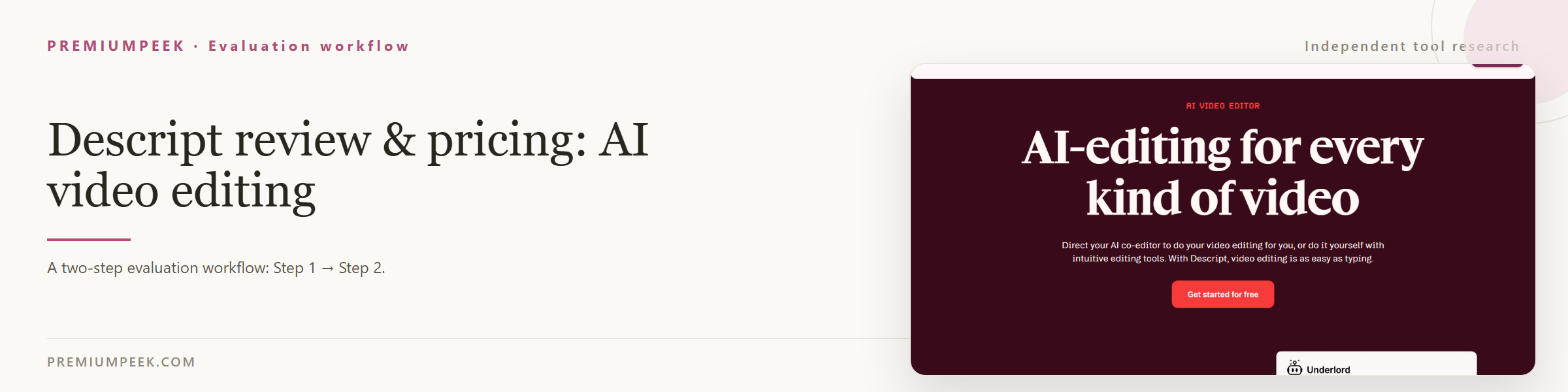
- Underlord AI co-editor plus AI features: Edit for Clarity, remove filler words and retakes, Studio Sound, regenerate speech, and video regeneration
- Automatic transcription in 25 languages with speaker detection (8+ speakers), dynamic captions, and one-click clip creation
- AI avatars, eye contact correction, green screen, automatic multicam, and AI video/image generation from a prompt
- Rooms for recording crystal-clear remote podcasts and video; AI templates, Brand Studio, and video translation
- API + MCP access to edit video programmatically or from inside an AI assistant; used by 6M+ creators and teams including Amazon, Canva, Salesforce, and Spotify
Is it legit?
Who is behind Descript, where it is based, and what is publicly known about its funding. Company details change — verify on the official site before committing.
- Company
- Descript, Inc.
- Founded
- 2017
- Headquarters
- San Francisco, US
Evaluation guide
Step-by-step evaluation guides for Descript — workflow fit, pricing, rights, and a same-input test before paying.
Compare Descript with alternatives
Side-by-side pages that weigh Descript against overlapping tools on the same five fields.
Where Descript appears
Best-of lists and roundups that include Descript.
Official sources
These links are retained beside the catalog record so changing details can be rechecked.